Talking photo AI that just works — upload, tap, done
Drop in a photo and get a finished result in about twenty seconds. No prompt engineering, no editors, no watermark surprises — just pick a style and tap once.
Try it free on Musebox See examplesFresh results from the community
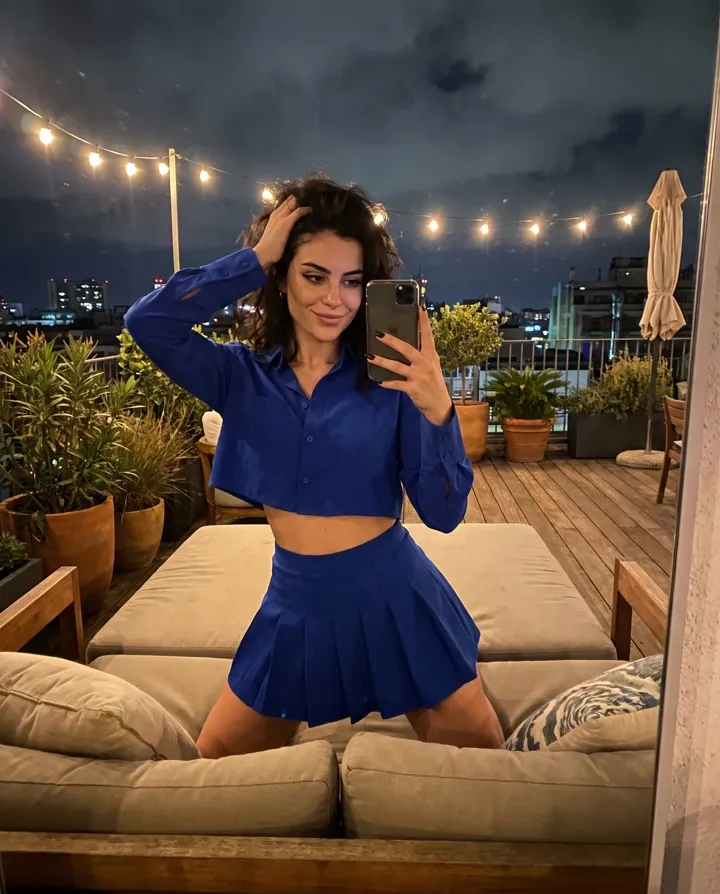


How it works
Upload one clear photo — a selfie is enough.
Choose a style card (or let Musebox pick for you).
Download your result and post it anywhere.
Why people pick Musebox
Fast by default
Around twenty seconds per generation on a normal connection — measured, not promised.
Zero learning curve
If you can attach a photo to a message, you can use this. No timeline, no layers.
Private by design
Your uploads stay in your account and can be deleted at any moment.
Questions, answered
Is talking photo AI free to try?
Yes — new accounts on Musebox get free credits, enough for the first generations. No card required.
How long does one video take?
Usually about 20 seconds; complex templates can take up to a minute at peak times.
Can I use the results commercially?
Yes, content you generate is yours to use, including for ads and monetized channels.
Do I need any editing skills?
No. Everything happens from one screen: upload, pick a style, download.
What do I get at the end?
A ready-to-post MP4 (or image) in HD — download it or share straight from Musebox.
More tools
Ready to make your first clip?
Free credits are waiting on Musebox — the first result takes under a minute.
Try it free on Musebox